
Built for nano banana 2 lite image creation
nano banana 2 lite AI Image Generator
NanaPix helps you create, edit, and iterate images with a fast nano banana 2 lite workflow. Generate product shots, portraits, social posts, and marketing visuals from plain prompts.
Sign in to save generations, manage credits, and keep your NanaPix history.
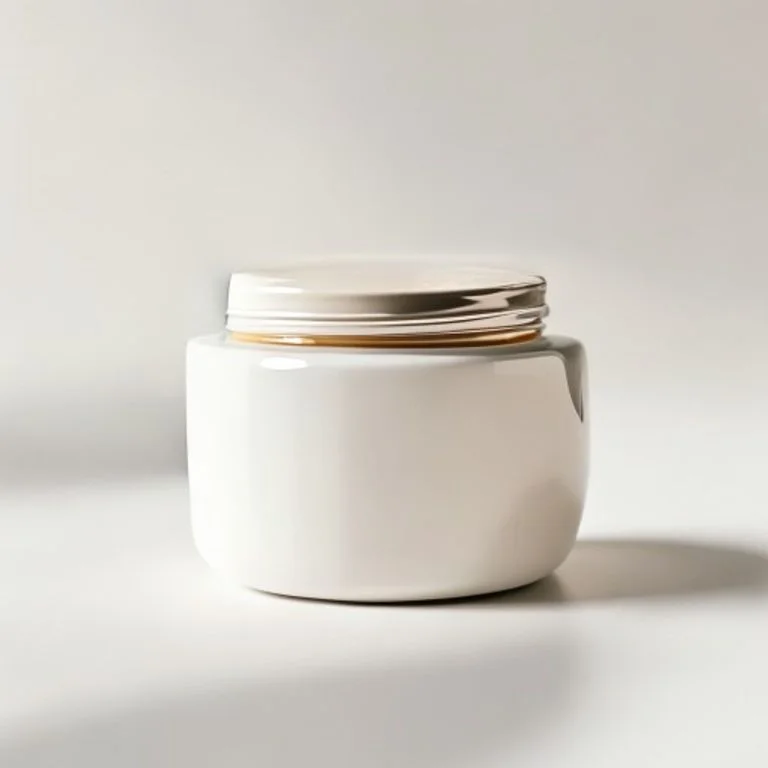
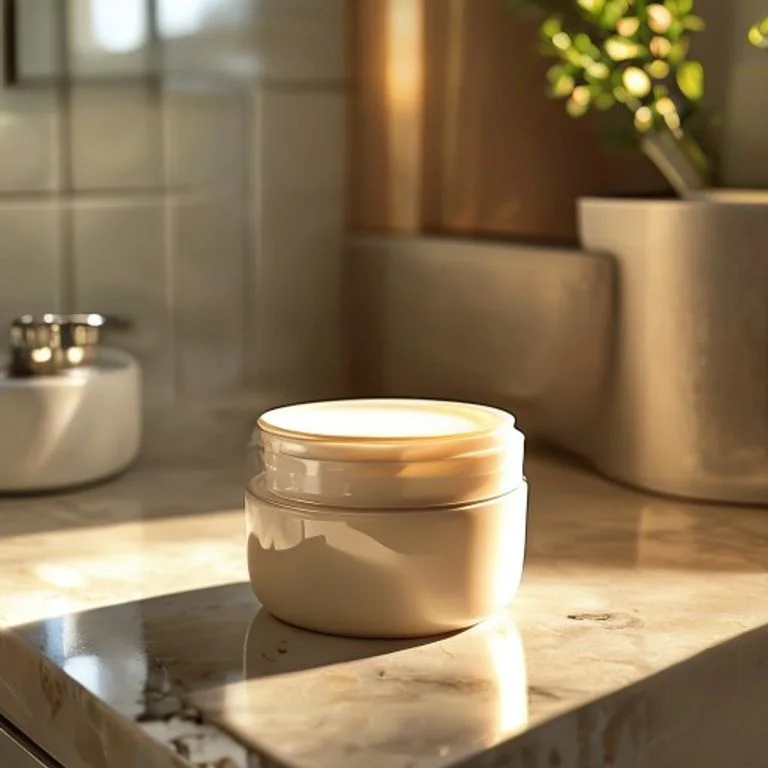
Remove the messy background and create a clean white product shot

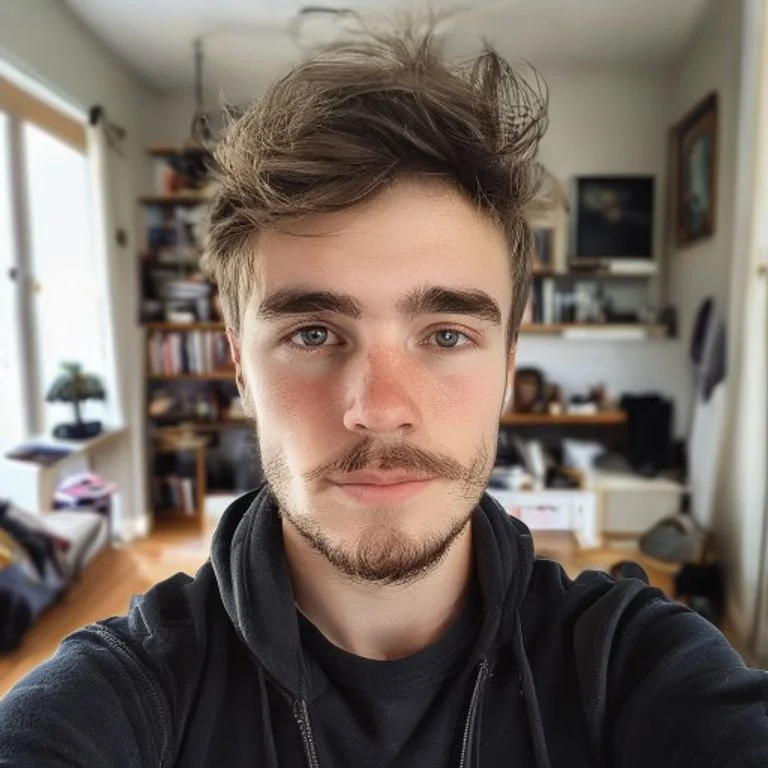
Replace the busy room with a clean studio background

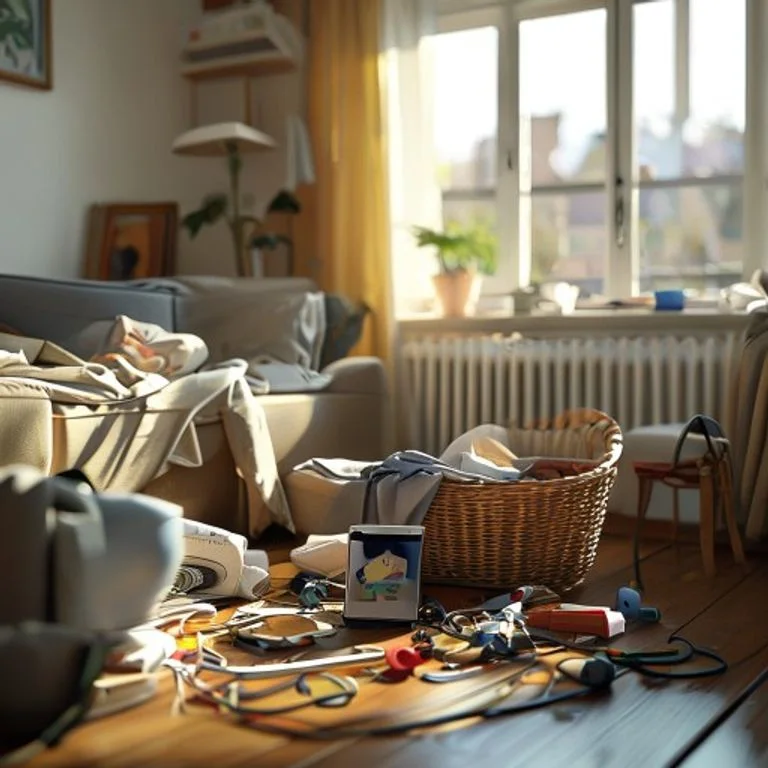
Remove clutter and make the room look ready to publish
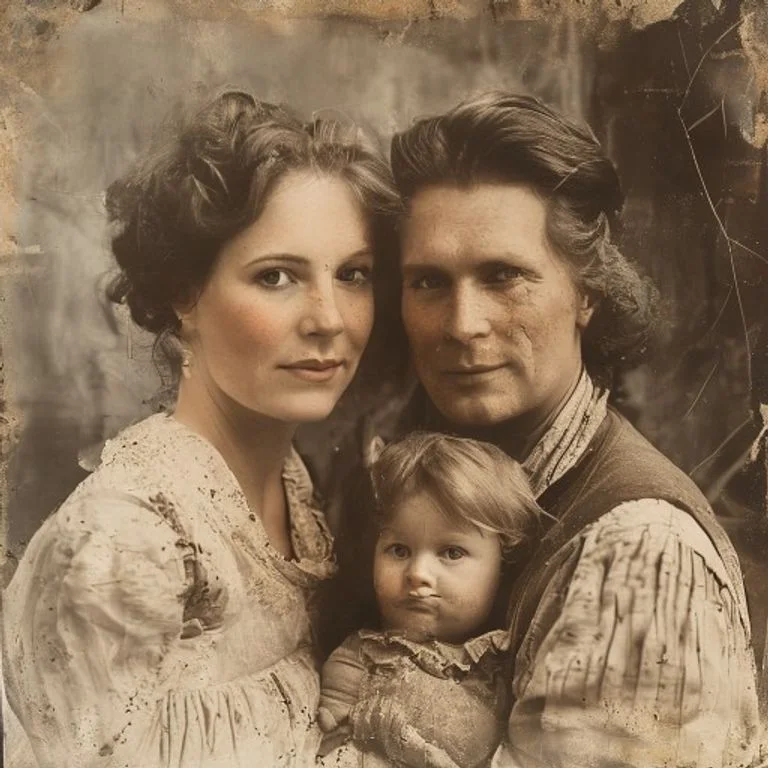
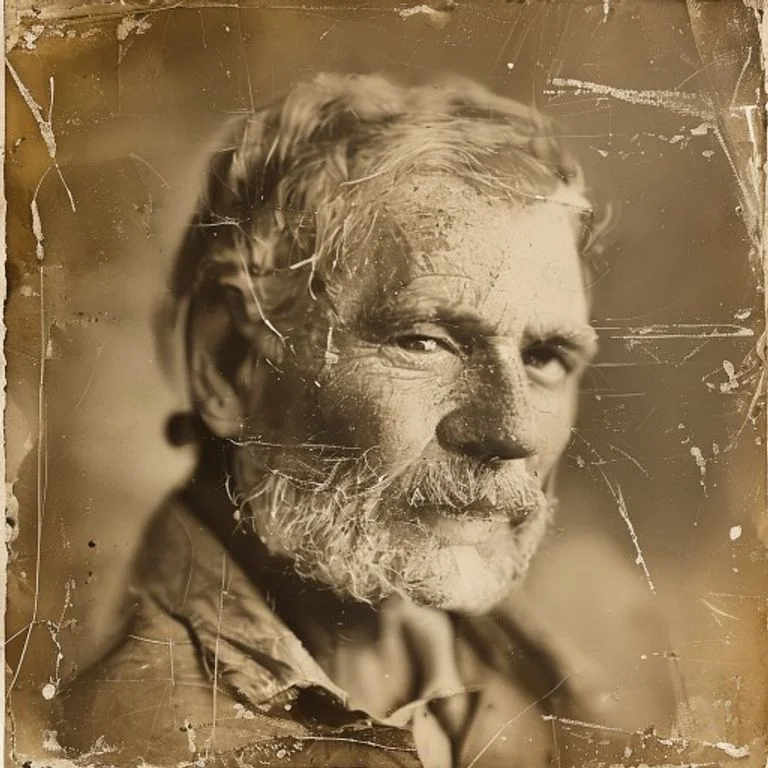
Repair scratches and bring an old family photo back to life
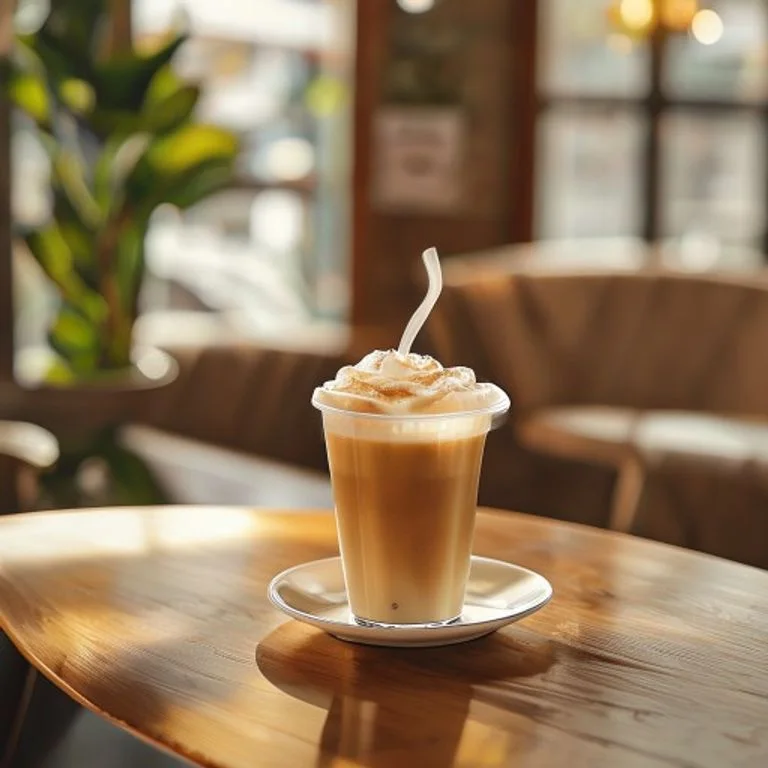
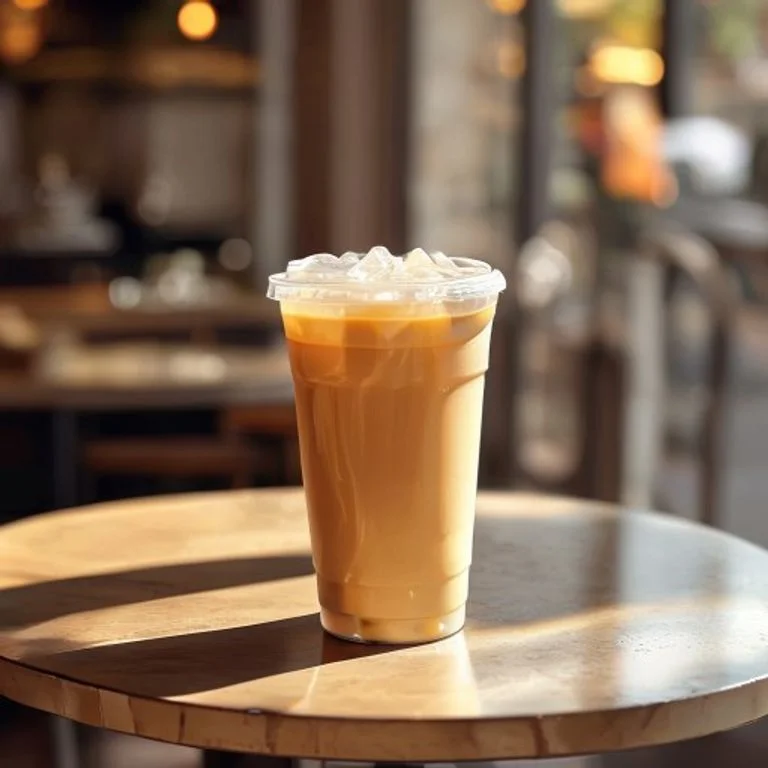
Polish a casual phone photo into a brighter social media image
nano banana 2 lite workflows
Create finished visuals in fewer prompt cycles
NanaPix is built for quick nano banana 2 lite drafts, practical edits, and publish-ready image variations.
Clean up generated scenes
Remove distracting props, extra objects, or messy details while keeping the scene believable.
- Erase visual distractions with one prompt
- Rebuild background texture naturally
- Keep lighting and perspective consistent
OriginalEditedSwap backgrounds for products and portraits
Turn rough product shots or portraits into clean studio, lifestyle, or brand-ready compositions.
- Create cleaner product and profile images
- Match subject edges and lighting
- Prepare visuals for stores and social posts
OriginalEditedRefresh older or low-quality photos
Use prompt-based edits to improve clarity, reduce noise, and bring faded images closer to publish-ready quality.
- Improve scratches, noise, and softness
- Balance clarity and natural color
- Preserve recognizable faces and emotion
OriginalEditedHow NanaPix Works
Create with nano banana 2 lite in three simple steps.
Upload Your Image
Drag and drop or select any JPG, PNG, or WEBP file from your device.
Choose nano banana 2 lite and prompt
Describe the image, edit, style, background, or variation you want in plain language.
Download or keep iterating
Save the result, generate another direction, or switch models when you need heavier output.
Product Overview
What is NanaPix?
NanaPix is a nano banana 2 lite image generator and AI photo editor for fast visual iteration. Start from text, upload a reference image, and refine the result with natural prompts.
Prompt-to-image drafts
Turn a product idea, scene brief, or campaign concept into a visual direction without opening a complex design tool.
Image-to-image edits
Upload a reference and ask NanaPix to adjust lighting, framing, style, or background while keeping the useful parts intact.
Subject and scene control
Add, remove, or restyle objects with plain-language prompts so each iteration moves closer to the brief.
Brand-ready variations
Create multiple directions for social posts, product visuals, thumbnails, and ad concepts from one prompt.
Why NanaPix
Why choose NanaPix for nano banana 2 lite?
The workflow is tuned for creators who need quick drafts, controllable edits, and affordable iteration.

nano banana 2 lite features for fast image creation
NanaPix focuses on fast drafts, practical edits, and reusable outputs for creators and teams.
Low-latency image generation
Draft product shots, portraits, scenes, and thumbnails quickly with the nano banana 2 lite workflow.
Prompt-based editing
Clean up objects, adjust composition, or change details without manual masking or layer work.
Consistent characters and scenes
Iterate on related visuals while keeping the subject, style, and scene direction recognizable.
Text and layout friendly
Create graphics that need cleaner text placement, stronger composition, and repeatable brand styling.
Batch-ready workflow
Explore multiple prompt directions and keep successful outputs organized in your NanaPix creation history.
HD exports
Download finished outputs for stores, social channels, ads, presentations, and creative briefs.
Use Cases
See how creators and businesses use NanaPix for practical nano banana 2 lite workflows.
E-commerce & Product Photos
Create cleaner product shots, lifestyle scenes, and listing visuals for stores and marketplaces.
Social Media Creators
Turn rough ideas into post images, story visuals, thumbnails, and quick creative variations.
Photographers
Draft retouch directions, background changes, and composition ideas before deeper editing work.
Marketing Teams
Produce campaign-ready concepts and visual tests quickly without waiting on a full design cycle.
Frequently Asked Questions About nano banana 2 lite
Learn how NanaPix uses a fast nano banana 2 lite workflow for image generation and editing.
Create faster with nano banana 2 lite
Use NanaPix to draft, edit, and refine images for products, campaigns, and everyday creative work.